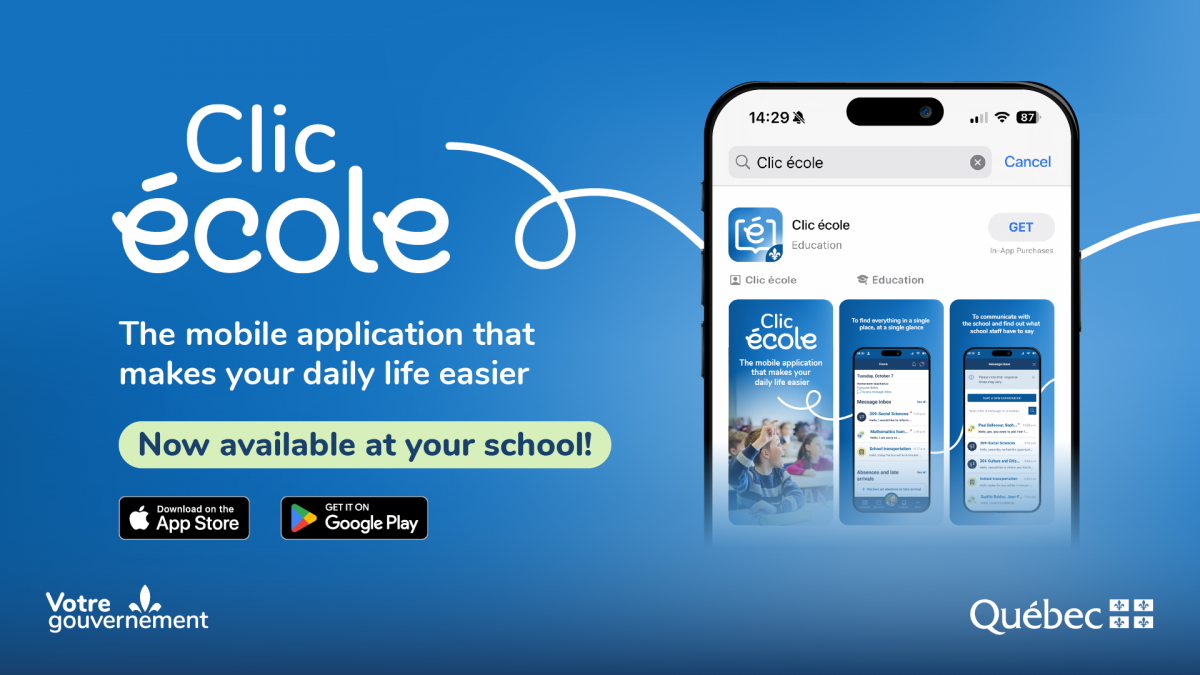
Riverside School Board has now given you access to the Clic école mobile application.
Simple, secure, and convenient, this application allows you to monitor your child’s schooling directly from your mobile device. This is replacing the existing mParent application that some of you may be currently using.
What you can do with the Clic école app
Using the Clic école mobile application, you can:
- Notify the school of an upcoming absence and view your child’s history of absences and late arrivals
- Quickly access official documents intended for you, such as report cards, tax slips, and statements of account
Please note that parents or guardians who do not have access to a mobile device may continue to use Mozaïk Parent Portal (web version).
How to get started
If you have not already done so:
- Download the Clic école mobile application from the App Store or Google Play Store, depending on your device.
- When launching the application for the first time, follow the instructions to create your personal account.
Thank you!